





Ultimate Guide to Cleaning and Caring for Your Nintendo Switch: Tips for Longevity and Performance
October 18,2024

Discover essential tips for cleaning and caring for your Nintendo Switch. This comprehensive guide covers maintenance techniques, common mistakes to avoid, battery care, storage solutions, and how to enhance your gaming experience for optimal performance.
Nintendo Switch: How to Clean and Care for Your Console Properly
Maintaining your Nintendo Switch is crucial for optimal performance and longevity. Whether you own the original Nintendo Switch, the Nintendo Switch Lite, or the Nintendo Switch OLED, proper cleaning and care will ensure that your console remains in great condition for years to come. This article will guide you through effective cleaning techniques, essential maintenance tips, and common mistakes to avoid, ensuring you get the most out of your gaming experience.
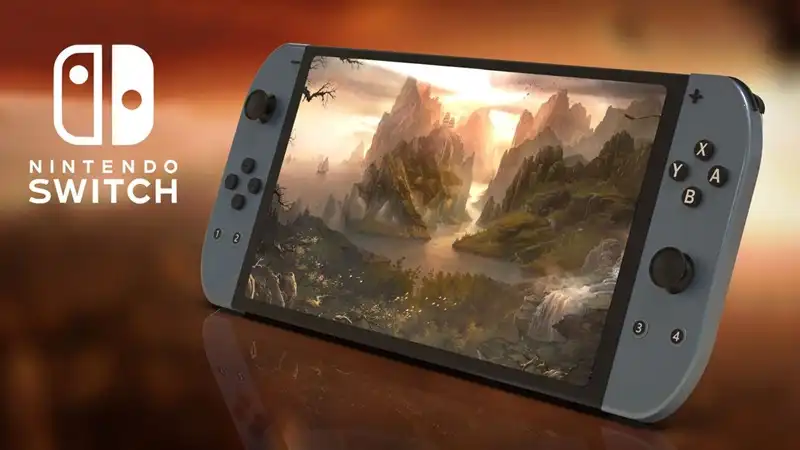
1. Why Console Maintenance Matters
Consoles like the Nintendo Switch are investments. Regular maintenance helps prevent dirt accumulation and potential damage, ensuring you can enjoy your gaming sessions without interruptions. Dust and debris can interfere with cooling systems, affect performance, and, in some cases, lead to hardware issues.
1.1 The Impact of Neglect
Ignoring maintenance can lead to various issues, including:
- Overheating: Dust buildup can block ventilation, causing your console to overheat.
- Poor Performance: A dirty console may lag or freeze, affecting gameplay.
- Damage: Accumulated grime can scratch surfaces and damage internal components.
2. Powering Down Before Cleaning
Before you begin any cleaning process, ensure your Nintendo Switch is completely powered off. Disconnect all accessories, including controllers and game cartridges. This step is crucial for your safety and the safety of the console.
3. What to Avoid at All Costs
Cleaning your console improperly can lead to damage. Here are some crucial tips on what to avoid:
3.1 No Direct Liquid Application
Never pour liquid directly onto your console. This can lead to liquid damage and malfunctioning hardware.
3.2 Submerging is a No-Go
Avoid submerging your console in any liquid. Water damage is one of the leading causes of console failure.
3.3 Steer Clear of Alcohol
While it might seem effective, using alcohol-based cleaners can harm the console’s finish and potentially damage plastic components.
3.4 Forget the Wipes
Even alcohol-free cleaning wipes can be too abrasive for your Nintendo Switch. Instead, use gentler cleaning methods.
4. How to Properly Clean Your Nintendo Switch
Cleaning your console doesn’t have to be complicated. Follow these simple steps recommended by Nintendo:
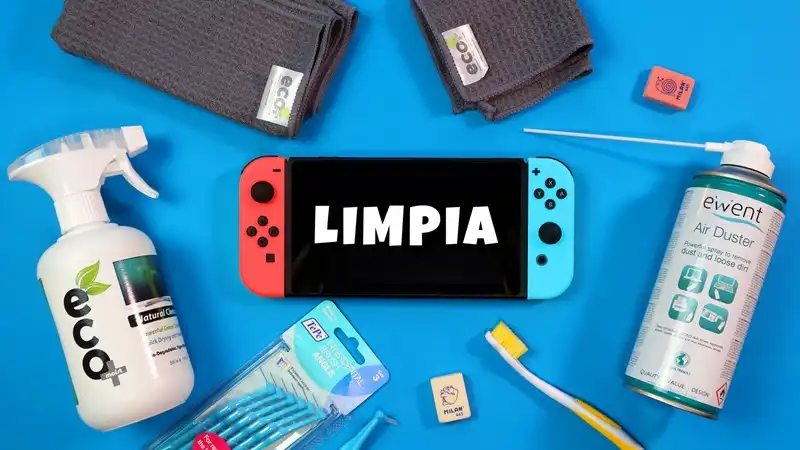
4.1 Gather Your Materials
You will need:
- - A soft, lint-free cloth
- - Water
4.2 Dampen the Cloth
Lightly dampen the cloth with water. Wring it out well to remove excess moisture. The cloth should be just damp enough to clean without dripping.
4.3 Wipe the Console
Gently wipe down your Nintendo Switch, avoiding any ports or openings. Pay special attention to areas that collect dirt, such as the edges and around buttons.
4.4 Dry the Console
After cleaning, use a dry section of the cloth to wipe the console again, ensuring no moisture remains.
5. Caring for Your Nintendo Switch
In addition to regular cleaning, there are several care tips to help keep your console safe and functional.
5.1 Use a Protective Case
As a hybrid console, the Nintendo Switch is designed for portability. Using a dedicated protective case is essential for safeguarding your device during travel. Here are some options:
5.1.1 PDP Deluxe Transport Case
This case not only protects your console but also provides storage for multiple games, ensuring you have everything you need on the go.
5.1.2 Portable Hard Storage Case
For gamers who want to take their entire setup with them, this case accommodates the console, dock, Switch Pro Controller, and necessary connections.
5.1.3 Themed Protective Covers
For fans of specific games, themed protective covers offer style and protection. For example, the Marineford One Piece protective cover not only looks great but adds an extra layer of security.
5.2 Screen Protection
The screen is the most delicate part of your console. Consider investing in a tempered glass screen protector. This provides several benefits:
- - Scratch Resistance: Protects against scratches from everyday use.
- - Glare Reduction: Improves visibility in bright conditions.
- - Fingerprint Resistance: Keeps the screen cleaner for longer.
6. Regular Maintenance Schedule
Establishing a routine for cleaning and checking your console can help maintain its performance.
6.1 Weekly Cleaning
Set aside time each week for a quick clean. This can involve wiping down the console, checking for dust accumulation in ports, and ensuring everything is functioning correctly.
6.2 Monthly Inspections
Once a month, perform a more thorough inspection. Look for any signs of wear, such as fraying cables or cracked cases. Addressing these issues early can prevent more significant problems later on.
7. Storing Your Console
When not in use, store your Nintendo Switch properly to avoid damage.
7.1 Choose the Right Location
Keep your console in a cool, dry place, away from direct sunlight. High temperatures can damage internal components.
7.2 Avoid Humid Areas
Humidity can lead to corrosion and other issues. Ensure your storage area is dry.
8. Keeping Controllers Clean
Don’t forget about your controllers. They also require regular cleaning to remain functional and comfortable.
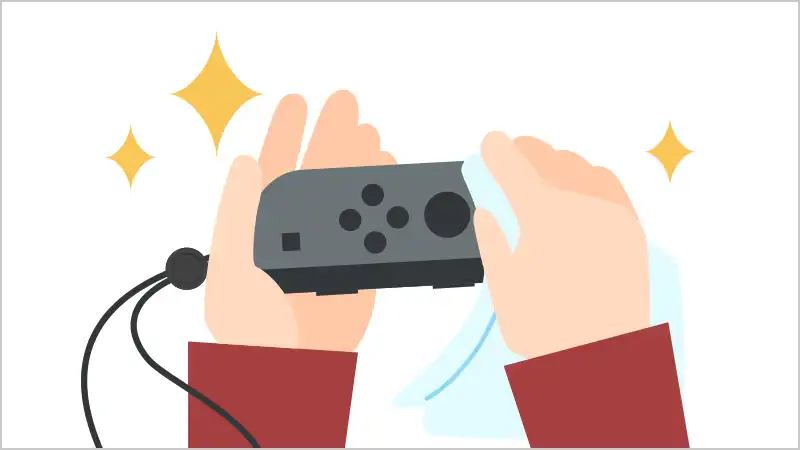
8.1 Wipe Down Regularly
Use a damp cloth to clean the surfaces of your controllers, paying attention to the buttons and thumbsticks.
8.2 Disinfect When Necessary
If your controllers are shared among multiple users, consider using a mild disinfectant spray on the cloth to clean them regularly.
9. Troubleshooting Common Issues
Sometimes, despite your best efforts, you may encounter issues with your Nintendo Switch. Here are a few common problems and solutions:
9.1 Console Won't Turn On
If your console won’t power up, try the following:
- - Check the Charger: Ensure the charger is working and securely connected.
- - Hard Reset: Hold the power button for at least 15 seconds.
9.2 Overheating
If your console feels hot during use, make sure it is well-ventilated. Turn it off for a while to let it cool down.
10. Battery Care
Battery longevity is essential for portable consoles. Proper care can help extend battery life.
10.1 Avoid Deep Discharges
Try not to let your battery completely drain before recharging. Keeping the battery level between 20% and 80% can prolong its lifespan.
10.2 Use the Right Charger
Always use the official Nintendo charger or a certified alternative with the correct amp rating to prevent battery damage. Using the wrong charger can lead to overheating and reduce the lifespan of the battery.
11. Software Maintenance
Keeping your software updated is as important as hardware maintenance.
11.1 Regular Updates
Check for system updates regularly. These updates often include important security patches and feature enhancements.
11.2 Manage Storage
Periodically check your storage space. You can also extend your storage capacity with a Micro SD card. This allows you to store more games and applications without worrying about running out of space.
12. Protecting Against Viruses
While the Nintendo Switch is relatively secure, it’s still essential to practice safe usage.
12.1 Avoid Suspicious Downloads
Be cautious of unofficial games or downloads. Stick to the Nintendo eShop for safe purchases.
12.2 Regular Backups
Regularly back up your saved data to avoid losing progress in case of any issues. Use your extended Micro SD card memory to store backups and important game files.
13. Accessorising Your Console
Enhancing your gaming experience can be achieved through various accessories.
13.1 Comfortable Controllers
Consider investing in ergonomic controllers or grips to improve comfort during long gaming sessions.
13.2 Charging Docks
A charging dock can streamline your charging process, making it easier to keep your console ready for play.
14. Joining the Nintendo Community
Being part of the Nintendo community can enhance your gaming experience.
14.1 Online Forums
Engage with fellow gamers through online forums. These platforms are excellent for sharing tips and experiences.
14.2 Local Events
Look for local gaming events or tournaments. Meeting other gamers can provide a sense of community and shared excitement.
14.3 Join Facebook/Meta Groups
Consider joining Facebook or Meta groups focused on Nintendo gaming. These groups can provide support, information on upcoming games, and a space to share experiences with other players.
15. Conclusion: Enjoying Your Nintendo Switch
Taking the time to care for your Nintendo Switch will not only enhance your gaming experience but also extend the life of your console. By following these cleaning and maintenance tips, you can ensure that your console remains in peak condition. Whether you’re playing at home or on the go, a well-maintained console allows you to enjoy every gaming session to the fullest.
You may be also interested in them

The Spectrum: The Iconic ZX Spectrum Revived with Modern Enhancements
Discover The Spectrum, a faithful recreation of the ZX Spectrum that blends retro charm and modern tech, featuring 48 built-in classics, HDMI support,...January 10,2025
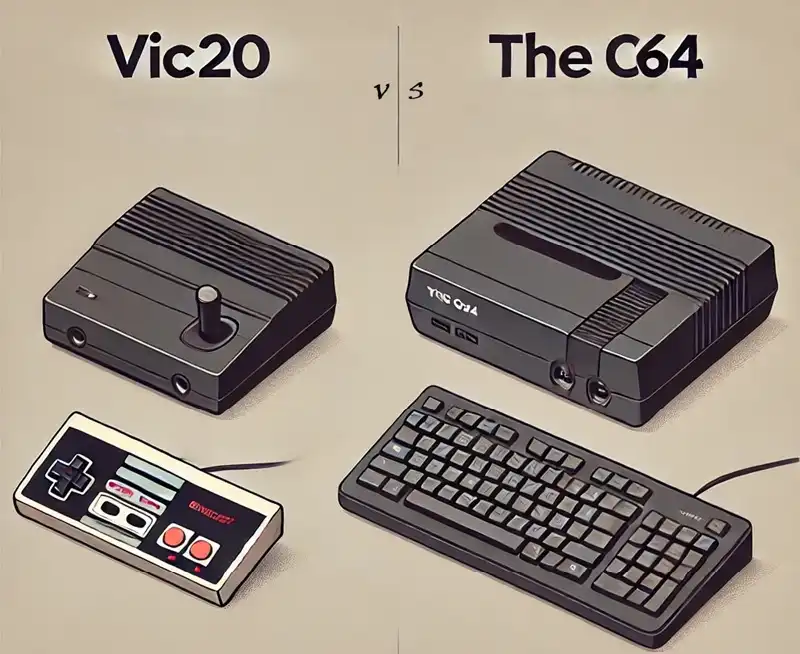
VIC20 vs THEC64 Maxi D2C: Which Retro Console is Right for You?
Compare the VIC20 and THEC64 Maxi D2C in this detailed guide. Learn about their game libraries, features, design, and value to choose the best retro c...January 04,2025

Limited Edition PS5 Pro Console Celebrates 30 Years of PlayStation: Pre-Order & Bundle Details
Celebrate the 30th anniversary of PlayStation with the limited edition PS5 Pro console! Pre-orders start on 26th September 2024, releasing on 7th Nove...September 24,2024

PS5 Pro Leak: Imminent Unveiling of Sony's Most Powerful Console Yet
Uncover the latest leaks and insider details on Sony's upcoming PS5 Pro. From design updates to advanced features, learn everything about the most pow...September 03,2024

Critical Xbox One 'Fat' Reset Issue: Microsoft Working on Fix, Avoid Resetting
The Xbox One "Fat" has a reset and connectivity issue affecting Xbox Live. Microsoft is working on a fix, so avoid resetting or selling your console f...August 04,2024

Helldivers 2 Unleashed: A Galactic Odyssey of Cooperation and Satire
Discover Helldivers 2, a UK-favourite TPS sensation, blending frenzied sci-fi action with strategic depth & humour. Perfect for gamers seeking a c...February 13,2024

Nintendo Switch 2: The OLED to LCD Transition
Explore the Nintendo Switch 2's shift from OLED to LCD. This article covers tech impacts, Nintendo's strategy, and what it means for gamers' future.January 30,2024
Check Out These Products You May Be Interested In
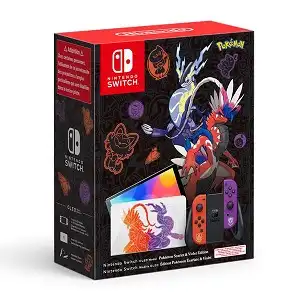
Nintendo Switch Console OLED Model - Pokémon Scarlet and Violet Limited Edition
September 11,2022
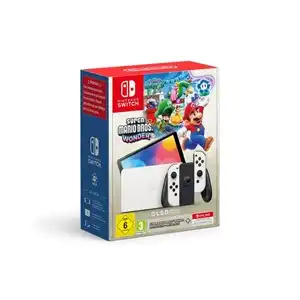
Nintendo Switch OLED (White) Bundle with Mario Wonder & 12-Month Online Plan
October 01,2024
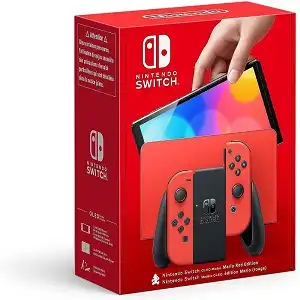
Nintendo Switch OLED Model Limited Edition Mario Red Edition
September 01,2023
Contact Info
- Address: UKSoftwaretech ltd, 6 Roffey Close, Purley. Surrey, CR8 4BH
- Phone: 08712887049 (Calls cost 13ppm plus your network access charge)
- Email: [email protected]