





Windows 11's New Screenshot Tool: Advanced Editing and OCR Capabilities Unveiled
January 18,2024

Explore the latest Windows 11 update enhancing its screenshot tool. Learn about new editing features, shape additions, text highlighting, and OCR capabilities. Discover how these changes streamline workflows, comparing with third-party tools and understanding Microsoft's user-centric approach.
Introduction to Windows 11's Evolving Features
Windows 11 continues to evolve, introducing features aimed at simplifying daily computing tasks. As a dynamic operating system, it constantly adapts to the needs of its diverse user base. In the realm of productivity, one of the most universally utilized features is taking and editing screenshots. The upcoming enhancements to the Windows 11 screenshot tool signify a substantial leap forward in user experience.
The Importance of Screenshot Functionality in Modern Computing
Screenshots have become an integral part of digital communication and documentation. From capturing errors for troubleshooting to sharing information, the ability to quickly and effectively take screenshots is essential for both personal and professional users.
Customizable Screenshots: A New Era
According to PhantomOcean3, a reliable informant on X (formerly known as Twitter), the Windows 11 screenshot tool is set to receive significant updates. These updates are expected to introduce editing capabilities directly within the tool, allowing users to add shapes, annotate, and highlight text. This advancement narrows the gap with macOS's Preview tool, which has long offered similar functionalities.
User-Centric Design: The Core of Windows 11
The focus on enhancing native programs like the screenshot tool underlines Microsoft's commitment to a user-centric design philosophy. By integrating advanced features within the operating system, Microsoft aims to reduce the reliance on third-party solutions.
Comparison with Third-Party Tools
While these updates are a step in the right direction, it's noted by experts at 01Net that the Windows screenshot tool still lags behind specialized programs like ShareX and Greenshot in terms of functionality.
The Need for a Redaction Function
A significant feature still missing is a comprehensive redaction function. Users currently cannot blur or cover text in screenshots for confidentiality, a feature commonly needed in various professional contexts.
Integrating OCR Functionality
The upcoming updates include an OCR (Optical Character Recognition) feature, enhancing the tool's ability to identify and copy text from screenshots. This functionality is a leap forward in making digital content more accessible and editable.
Microsoft's Response to User Feedback
There's a general hope that Microsoft will continue to listen to user feedback and evolve its screenshot tool into a comprehensive solution that can rival third-party applications.
Why Third-Party Solutions Remain Relevant
For now, programs like ShareX and Greenshot remain more complete in terms of functionality. Their open-source nature and free availability also make them popular choices among users.
Anticipating Future Enhancements
Microsoft's trajectory suggests that future updates may bring more advanced features, potentially making the native screenshot tool a robust all-in-one solution.
The Role of Open Source in Shaping User Expectations
The influence of open-source solutions on user expectations is significant. These platforms often pioneer functionalities that eventually become standard in mainstream operating systems.
Balancing Innovation with Familiarity
As Microsoft introduces new features, there's a delicate balance to be struck between innovation and maintaining the familiarity and ease of use that users appreciate in Windows.
The Broader Impact of Enhanced Screenshot Tools
Improvements in the screenshot tool have broader implications for sectors like education, where such tools are frequently used for creating instructional content and sharing information.
Preparing for the Update: What Users Need to Know
Users looking forward to the update should stay informed about its release date and prepare for a slight learning curve as they adapt to the new features.
Conclusion: A Step Forward in Windows Evolution
The upcoming enhancements to the Windows 11 screenshot tool are more than just an update—they are indicative of Microsoft's broader commitment to evolving with user needs and technological advancements.
You may be also interested in them

Essential Guide to Detecting Hidden Cameras in Your Holiday Rental: Tips for a Secure Stay
Discover how to detect hidden cameras in your holiday rental with our comprehensive guide. Learn practical tips, tools, and steps to ensure your priva...July 26,2024

The Asus ROG Ally X is Officially Launched: Discover the New Portable Console
Introducing the Asus ROG Ally X: the latest in portable gaming, featuring enhanced battery life, upgraded performance, and a sleek design.June 02,2024

PS5 Pro Specs and Rumours 2024: AI-Powered PSSR and 8K Support
Explore the latest rumours and specifications surrounding the PS5 Pro for 2024. Discover its AI-powered PSSR technology and potential 8K support, sett...May 28,2024
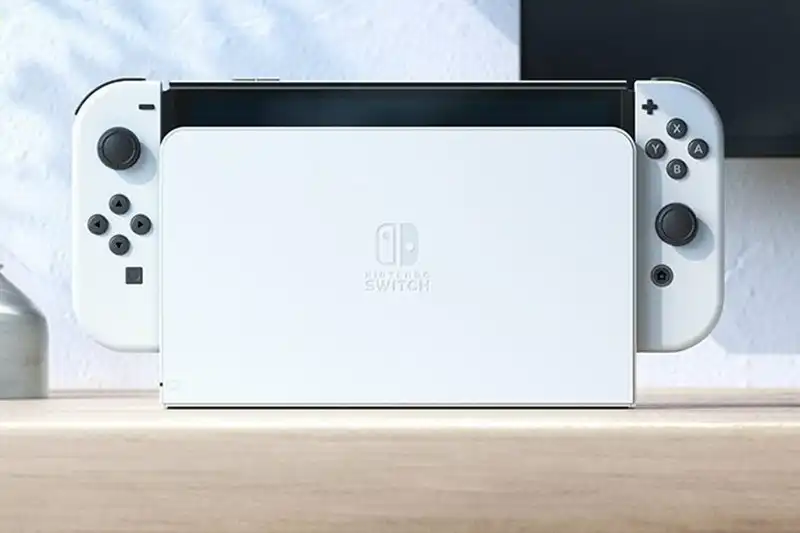
The Future of Gaming: The Nintendo Switch 2 Announcement
Anticipation builds for the Nintendo Switch 2! Set for an announcement this fiscal year, discover its expected features, release date, and the legacy...May 28,2024

Nintendo Switch 2: Revolutionising Gaming with a New NVIDIA Chip
Discover how the Nintendo Switch 2, powered by a custom NVIDIA chip, is set to transform gaming with enhanced performance and updates for existing gam...February 13,2024

The Evolution of Gaming: Anticipating the Nintendo Switch 2
Explore the evolution of gaming with the Nintendo Switch 2. Delve into expected features like advanced hardware, 4K gaming, and VR support. Uncover pr...January 05,2024
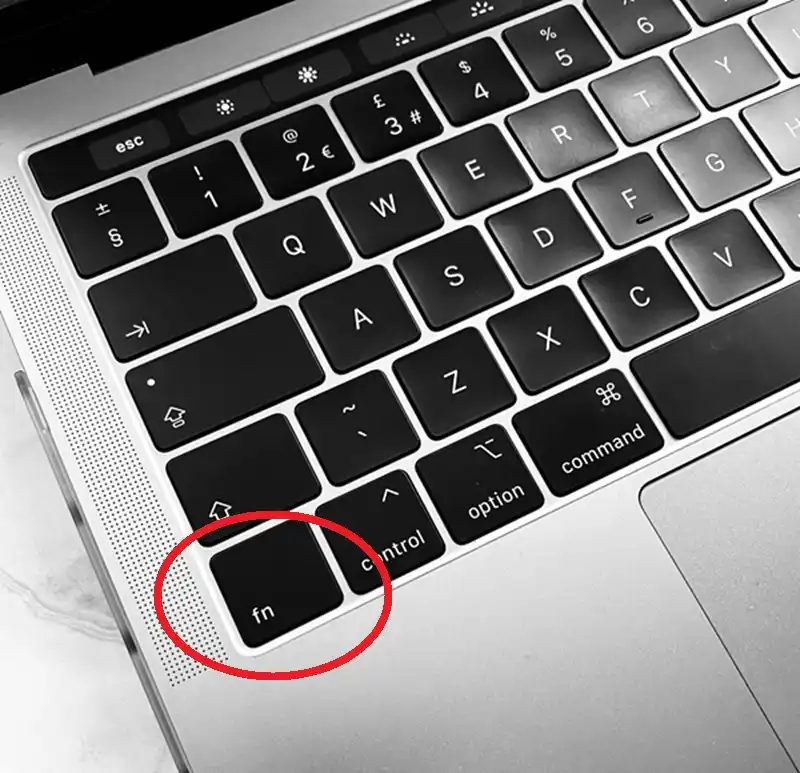
The Unveiled Secrets of the Mac's "Fn" Key: A Comprehensive Guide
Explore the hidden functionalities of the Mac's 'Fn' key in our comprehensive guide. Learn essential shortcuts and customizations for enhanced product...December 25,2023
Check Out These Products You May Be Interested In

Microsoft Windows 11 Professional 64-bit English OEM DVD - Full Operating Software
January 13,2024
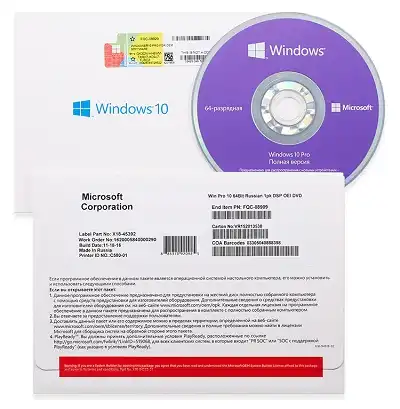
Microsoft Windows 10 Pro 64-bit - Complete Product - 1 License - OEM - DVD-ROM
April 03,2021
AMD Ryzen 9 7950X 16-Core Processor | 5.7GHz Boost | 64MB Cache | AM5 Socket | PCIe 4.0 Ready
January 26,2025
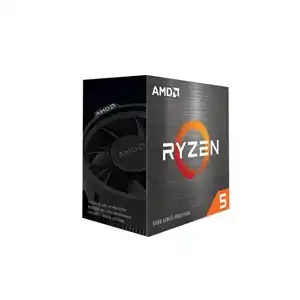
AMD Ryzen 5 5600X | 6-Core 3.7GHz, 12-Thread CPU with 32MB Cache AM4 Box
November 05,2023

Kingston DDR4 ValueRAM 8GB SODIMM - Boost Your PC & Laptop Performance with 2666MHz Memory Upgrade
October 14,2023
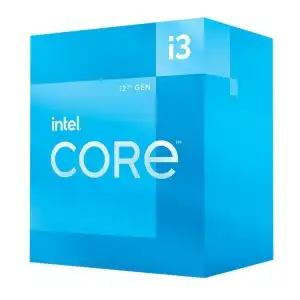
Intel Core i3 12100: 12th Gen, Quad-Core 3.3GHz Processor with UHD Graphics
October 14,2023
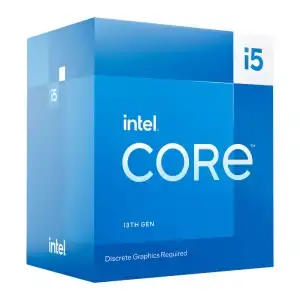
Intel Core i5 13400F Raptor Lake Processor - 10 Cores, 4.6GHz Turbo, 4K & Gaming Powerhouse CPU
October 12,2023
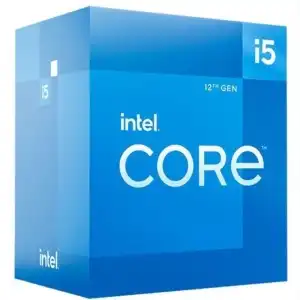
Intel Core i5-12400 Processor: 12th Gen, 4.4GHz OC, 4K, VR & Gaming Ready
October 11,2023

Intel Intel Core i9 12900K 12th Generation 16 Core 5.2 GHz Max Turbo Speed Socket LGA1700
August 25,2023
Contact Info
- Address: UKSoftwaretech ltd, 6 Roffey Close, Purley. Surrey, CR8 4BH
- Phone: 08712887049 (Calls cost 13ppm plus your network access charge)
- Email: [email protected]